
ChatGPT can hold a lot of knowledge about its users, acquired through deliberately personalizing the AI chatbot or by you simply leaving the memory feature on during conversations. OpenAI seems to think that might include details you'd rather a friend or family member didn't stumble across, and it has taken steps to ease those fears with its new Locked Chats feature.
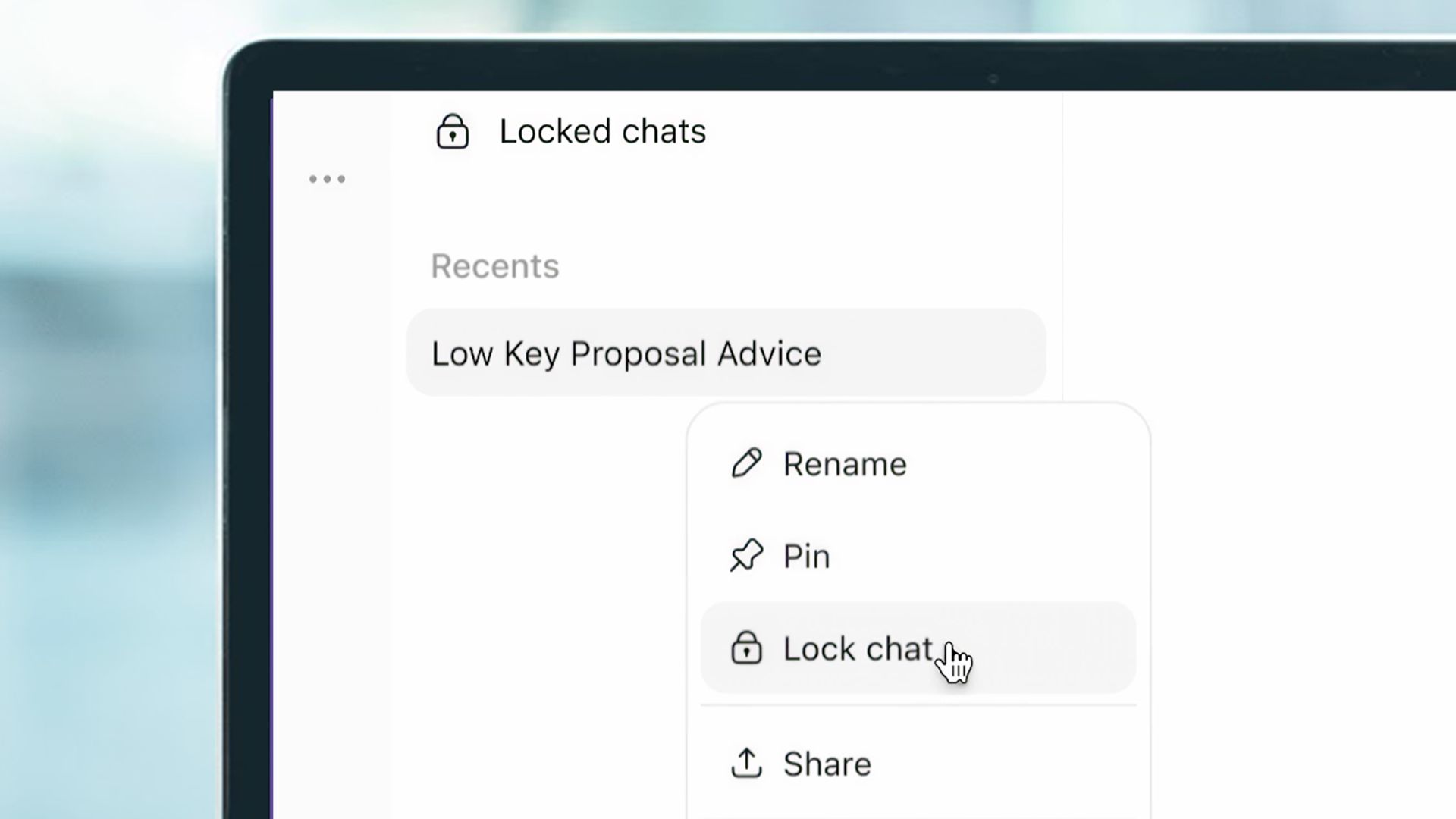
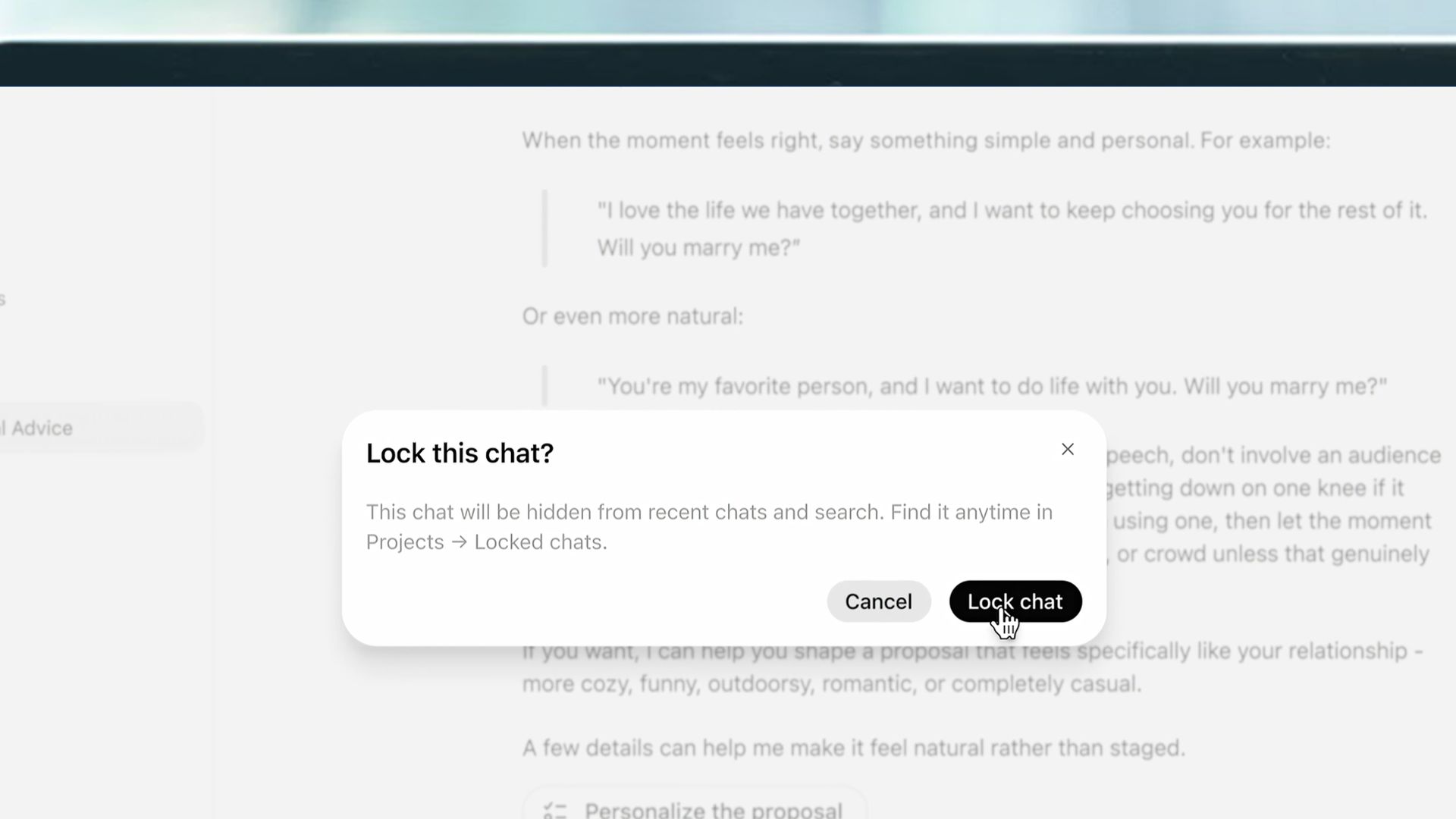
Locked Chats seals specific conversations with ChatGPT behind a four-digit PIN or biometric check on mobile devices. Open the menu under the three dots in the upper right of the chat window, tap "Lock Chat," and confirm. You'll need to make a four-digit PIN if you haven't already, or link it to the face or fingerprint you use to unlock your device.
Also, be sure to remember your PIN. You can change it later if you want, but if you forget it and have to reset it, ChatGPT will permanently delete every locked chat and file protected by the old PIN.
Keep sensitive conversations out of view with Locked Chats in ChatGPT.Move chats out of your regular history and search into a protected space you can unlock with a PIN on web and desktop, or a PIN, Face ID, Touch ID, or device unlock on supported mobile devices.New messages sent in locked chats won't update the memory used in your regular chats.Rolling out starting today to Free, Go, Plus, Pro, Business, Enterprise, and Edu plans.October 20, 2026
ChatGPT will make a new Project specifically for the locked chats. The conversations disappear from your regular history and search results unless unlocked. Someone casually browsing your account shouldn't be able to find it without authenticating.
But while Locked Chats will stop others from reading your conversations, the information embedded in your back-and-forth with the AI is a different story.
Disappearing conversation trickery
Imagine using ChatGPT to plan a surprise birthday present for a romantic partner who might innocently borrow your phone, look up information in the chatbot, and stumble upon your plans. That's what OpenAI seems to have in mind as a conversation you'd want to keep available without having it pop up when someone else looks at your phone. But what seems like a straightforward privacy upgrade has a couple of important caveats.
For one thing, if you use the feature, the conversation can remain open in the same browser tab immediately after you lock it, and previously opened devices might temporarily display its title until they refresh. So be sure to close or refresh the relevant tab and check any other devices if keeping it hidden is important.
Also, unlocking the protected project gives you temporary access, but re-locking the gate won't happen immediately unless you select Lock again when you're done. You can't assume that navigating away has secured the discussion again.
The same goes for any information that has already escaped. If you made a shared link to a ChatGPT interaction while planning a trip so a friend could check it out, locking it to keep some of the schedule a surprise afterward won't be much help. Those shared links still work, regardless of their subsequent locked status. You have to delete the shared link to close that loophole. Locking a conversation restricts access inside your account, but it doesn't recall copies you've already shared.
Escaping details

But even good ChatGPT lock discipline won't always work if the AI selects some detail from the conversation to incorporate into its memory feature before you can turn the digital key. Information remembered before the conversation was locked remains part of regular ChatGPT Memory and can influence responses later on. The information isn't automatically erased. You have to manually go into the memory section and remove it.
Happily, that stops being an issue once the lock is set. Newly remembered details remain separate from ordinary ChatGPT memory and can be used within other locked conversations, but won't leak into other conversations. So, if you know you're going to want to lock away a chat at some point, do it before sensitive discussions begin.
For especially sensitive discussions, Temporary Chat may be the more appropriate choice. Temporary conversations don't appear in regular history, make memories, or even get saved by OpenAI for its model improvement program. In some cases, that's worth the trade-off of not being able to return to the conversation.
Locked chats are definitely an appealing addition for everyday privacy concerns with ChatGPT, but it's not comprehensive or entirely automatic. Controlling who can open a conversation is useful, but it's irrelevant if the information is embedded in ChatGPT's memory or a shared link. Tracking the content takes a little more effort than simply relying on four numbers and your facial features to keep your secrets.


